
Webhook Configuration
Configure webhook endpoints through the 8bit-ai dashboard or API. Set up your endpoint URL, manage secrets, select events, and tune retry behavior to match your application's needs.
Prerequisites
Dashboard Setup
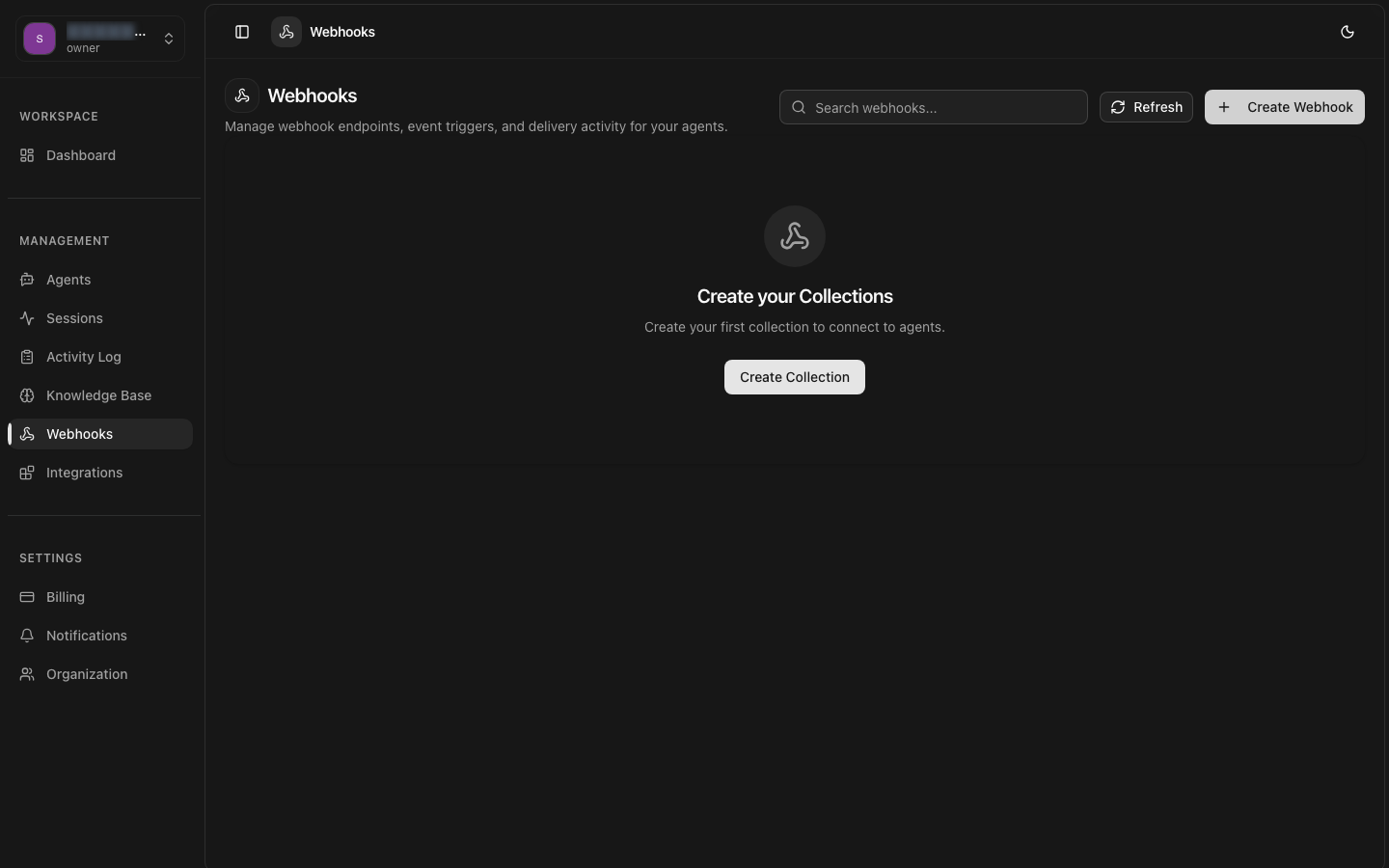
Navigate to Settings > Webhooks in the dashboard to create and manage your webhook endpoints. The dashboard provides a visual interface for all configuration options.
Navigate to Webhooks Settings
Go to Settings > Webhooks and click "Create Webhook".
Enter Endpoint URL
Provide your HTTPS endpoint that will receive webhook payloads.
Generate Secret Key
Create or provide your own webhook signing secret.
Select Events
Choose which events to subscribe to for this endpoint.
Configure Retries
Set retry behavior and failure notifications.
Endpoint URL
The endpoint URL is the HTTPS URL on your server where webhook payloads will be sent. Each webhook can have one primary endpoint URL.
URL Requirements
- Must use HTTPS protocol (HTTP is not accepted in production)
- Must be publicly accessible from the internet
- Should respond with a 2xx status code within 5 seconds
- Custom ports are supported (e.g.,
https://example.com:8443/webhook)
Creating via API
Secret Key & Signing
Each webhook endpoint has a unique secret key used to sign every payload. The secret is generated automatically when you create a webhook, or you can provide your own.
- Auto-generated — A cryptographically random 32-byte hex string is generated by default.
- Custom secret — You can provide your own secret (minimum 16 characters).
- Rotation — Rotate secrets at any time from the dashboard. Old secrets remain valid for a 24-hour grace period.
- Storage — Store the secret securely (e.g., environment variables, secrets manager). It is shown only once at creation time.
Secret Rotation
Event Selection
Choose which events trigger this webhook endpoint. You can select individual events or use wildcard patterns to subscribe to entire categories.
Selection Patterns
| Pattern | Subscribes To |
|---|---|
| * | All events |
| conversation.* | All conversation events |
| message.* | All message events |
| agent.* | All agent events |
| session.* | All session events |
You can create multiple webhook endpoints with different event selections to route events to different processing pipelines within your application.
Retry Configuration
Customize the retry behavior for failed webhook deliveries. The platform will retry deliveries that do not receive a 2xx response within the timeout window.
Configurable Parameters
| Parameter | Default | Description |
|---|---|---|
| max_retries | 6 | Maximum number of retry attempts |
| timeout | 5s | Time to wait for a 2xx response |
| retry_interval | exponential | Backoff strategy (exponential or fixed) |
| notify_on_failure | true | Send email notification when all retries fail |
Exponential Backoff