
Integrations Overview
Connect your AI agent to the channels your customers use most. 8bit-ai supports web widgets, Telegram, WhatsApp, and phone integrations — each designed for seamless deployment with minimal configuration.
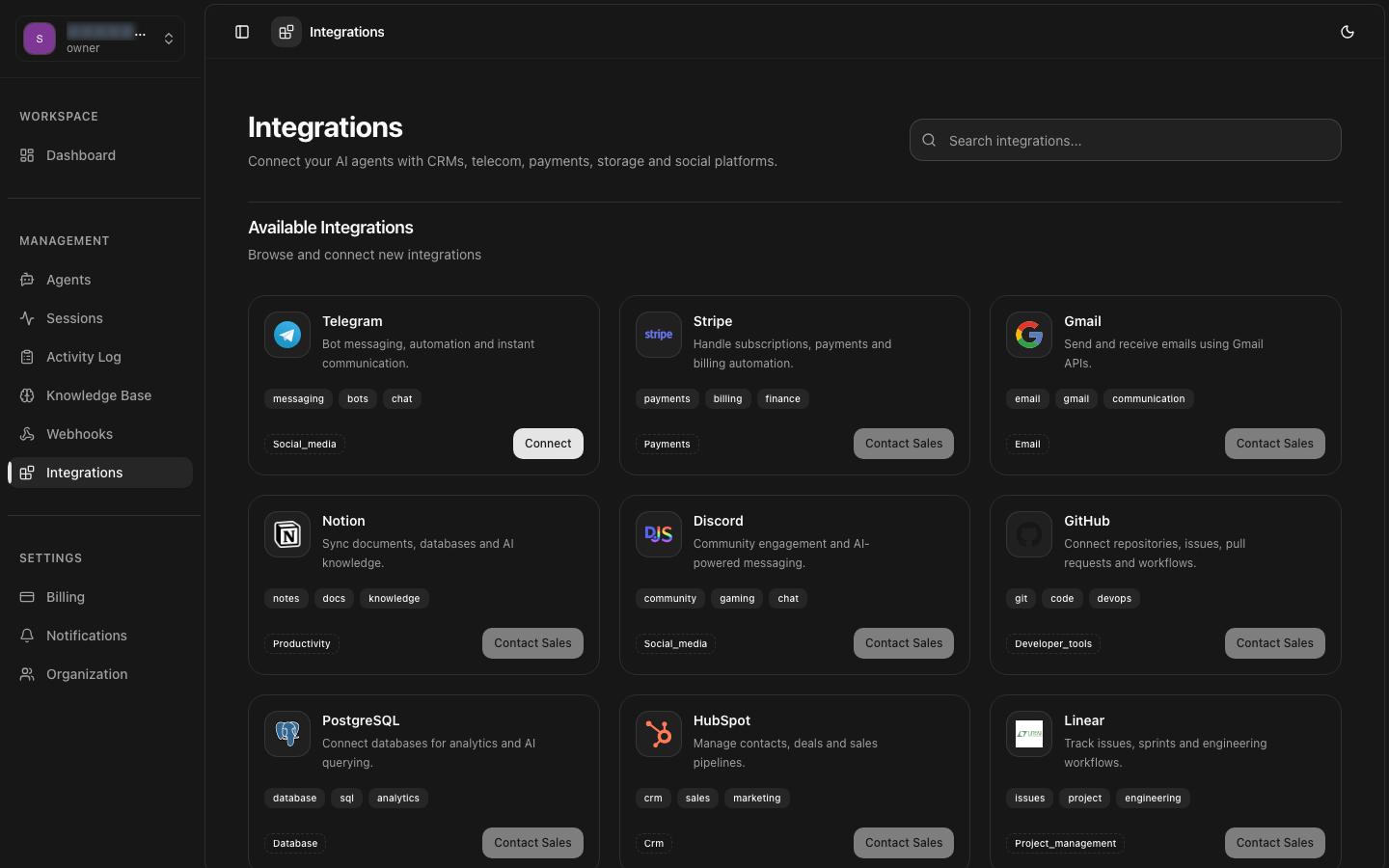
Web Widget
Embed a customizable chat widget on your website
Telegram
Deploy a Telegram bot with webhook-based messaging
Connect via WhatsApp Business API with message templates
Phone / SIP
Voice conversations via SIP trunking or Twilio
Overview
8bit-ai provides four integration channels that connect your AI agent to end users. Each channel operates through a common architecture: incoming messages are routed to your agent, processed through the configured LLM and knowledge base, and responses are streamed back in real-time. The platform handles message formatting, delivery guarantees, and channel-specific features automatically.
Unified Agent Logic
One agent configuration powers all channels. System prompts, knowledge bases, and LLM settings are shared across every integration attached to the agent.
Per-Channel Context
Conversation threads are isolated per channel and per user. A WhatsApp conversation is independent from a web widget session with the same end user.
Streaming Responses
All channels support real-time streaming. Users see responses appear progressively as the AI generates them, reducing perceived latency.
Centralized Monitoring
All sessions from every channel appear in the Sessions dashboard with consistent logging, analytics, and export capabilities.
Web Widget
The web widget is the quickest way to put your AI agent in front of users. Embed a JavaScript snippet on any website to add a fully functional chat interface. Customize colors, positioning, and behavior through configuration options.
Setup Difficulty
Minimal — copy and paste one script tag
Best For
SaaS products, marketing sites, support portals
Customization
Full theme, position, behavior, and event hooks
Telegram
Connect your agent to a Telegram bot and reach over 900 million monthly active users. The integration uses Telegram's webhook API for instant message delivery and supports typing indicators, streaming responses, and rich formatting.
Setup Difficulty
Easy — create a bot via BotFather, paste the token
Best For
Customer support, community bots, notifications
Customization
Webhook security, secret tokens, per-agent bots
Integrate with WhatsApp Business API to handle customer conversations on the world's most popular messaging platform. Requires a WhatsApp Business Account and Meta's API approval. Supports message templates for proactive outreach, rich media, and interactive replies.
Setup Difficulty
Moderate — requires WhatsApp Business Account setup
Best For
Retail, hospitality, service businesses
Customization
Message templates, webhook routing, media attachments
Phone / SIP
Add voice capabilities to your AI agent with phone integration. Supports SIP trunking for direct PBX connectivity and cloud providers like Twilio and Vonage. Incoming calls are answered by your agent with text-to-speech and speech-to-text pipelines for natural voice conversations.
Setup Difficulty
Moderate to Advanced — requires telephony provider
Best For
Call centers, support hotlines, voice assistants
Customization
Voice models, language, call routing, IVR menus
Feature Comparison
Compare capabilities across integration channels to choose the right fit for your use case.
| Feature | Web Widget | Telegram | Phone/SIP | |
|---|---|---|---|---|
| Setup Time | < 5 minutes | 10 minutes | 1-2 days (approval) | 30-60 minutes |
| Streaming Responses | Yes | Yes | Yes | Yes (voice streaming) |
| Rich Media | Markdown, images | Markdown, files, stickers | Templates, images, documents | Voice only |
| Conversation History | Browser storage | Telegram cloud | Meta servers | Session logs |
| Proactive Messages | No | Yes (via API) | Yes (templates) | Outbound calls |
| Authentication | Optional (JWT) | Bot token + secret | API key + webhook secret | SIP auth / API key |
| Multi-language | Browser locale | Chat language | Phone language | TTS/STT languages |
| Custom Branding | Full control | Bot name & avatar | Business profile | Voice & greeting |
Multi-Channel Deployments