
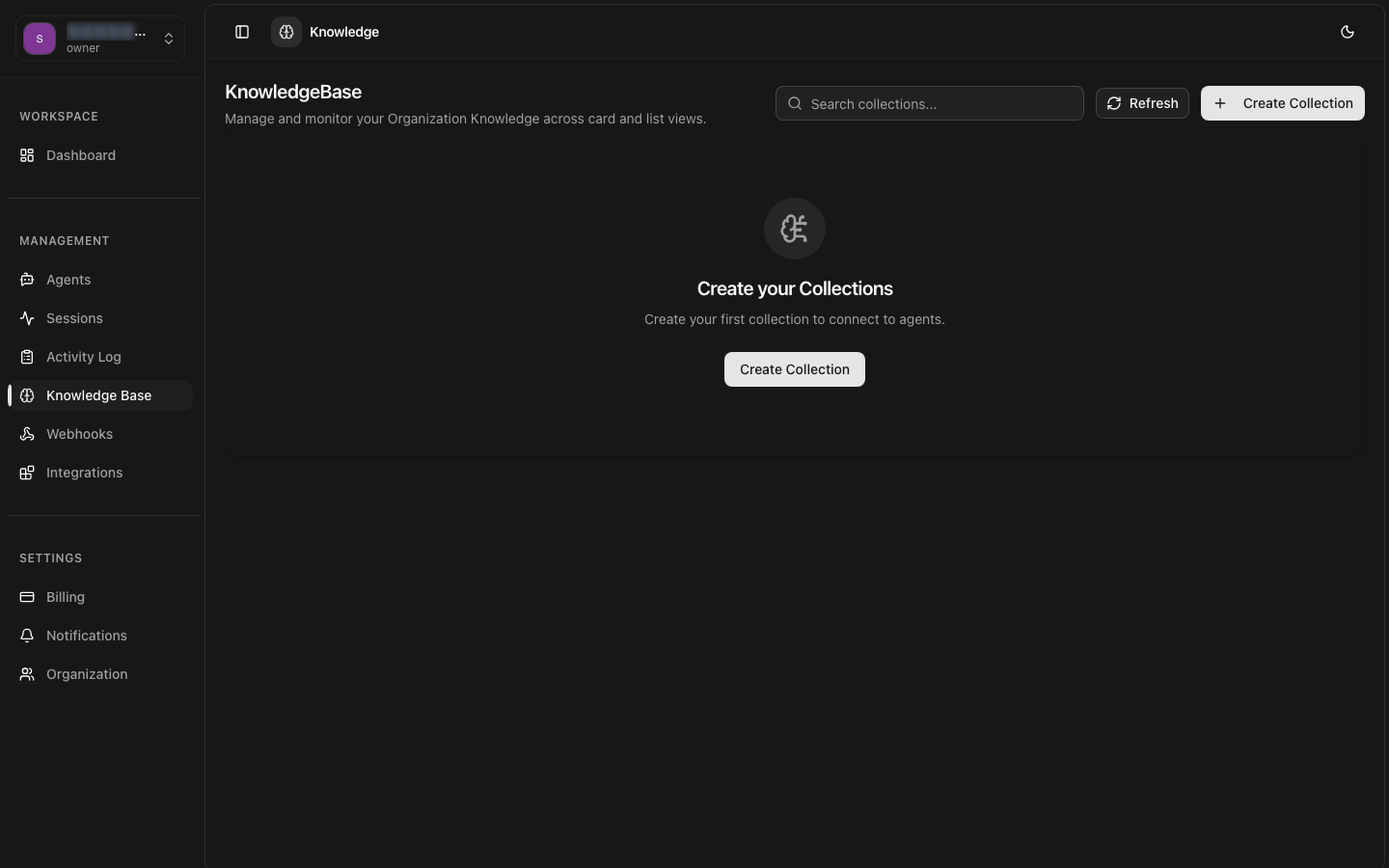
Knowledge Base
Connect document collections to your agents for context-aware, accurate responses using Retrieval-Augmented Generation (RAG) technology.
Easy Upload
Upload PDFs, DOC, TXT, MD, and more. Automatic processing and indexing.
Smart Retrieval
Vector embeddings and semantic search for relevant context retrieval.
Version Control
Update documents without breaking agent functionality. Track changes over time.
Multi-Agent
Share knowledge bases across multiple agents. Single source of truth.
Understanding RAG (Retrieval-Augmented Generation)
A knowledge base is a collection of documents that provides your agents with domain-specific information through Retrieval-Augmented Generation (RAG). RAG combines the power of large language models with your proprietary data, enabling agents to provide accurate, contextual responses grounded in your documentation.
How RAG Works
When a user asks a question, the RAG system follows this pipeline:
- 1
Query Embedding
The user's question is converted into a high-dimensional vector using the same embedding model used for your documents (e.g., OpenAI text-embedding-3, Cohere embed-v3)
- 2
Semantic Search
Vector database performs cosine similarity search to find the most relevant document chunks. Results are ranked by similarity score (0-1 range).
- 3
Context Assembly
Top-ranked chunks (typically 3-5) are retrieved and assembled into a context window, along with metadata like source document and relevance score.
- 4
Augmented Prompt
Retrieved context is injected into the system prompt along with instructions to ground the response in the provided information and cite sources.
- 5
Response Generation
The LLM generates a response using both its pre-trained knowledge and the specific context from your documents, ensuring accuracy and relevance.
Supported Document Types
| Format | Extensions | Notes |
|---|---|---|
| Text extraction, preserves structure | ||
| Word | .doc, .docx | Full formatting support |
| Plain Text | .txt | Simple, fast processing |
| Markdown | .md | Preserves headings and structure |
| HTML | .html, .htm | Web pages and articles |
| CSV | .csv | Structured data, tables |
Creating a Knowledge Base
Getting Started
1. Create a Collection
Give your knowledge base a descriptive name and optional description.
2. Upload Documents
Upload documents through the API or dashboard. Multiple sources supported: files, URLs, or raw text.
3. Processing & Indexing
Documents are automatically processed through our indexing pipeline:
- Parsed and text extracted
- Split into optimal chunk sizes (typically 500-1000 tokens)
- Converted to vector embeddings using state-of-the-art models
- Indexed in vector database for fast semantic search
Processing time depends on document size. Most documents process in under a minute. Large documents may take several minutes.
4. Connect to Agents
Link knowledge bases to your agents to enable RAG-powered responses.
How Agents Use Knowledge
Understanding how your agents leverage knowledge bases helps optimize their performance.
Conversation Flow with RAG
User Message Received
"How do I integrate your API with my React app?"
Knowledge Base Query
System searches linked knowledge bases for relevant documentation about API integration and React
Context Retrieved
Top 3-5 relevant chunks pulled: installation guide, authentication setup, React SDK examples
Prompt Augmentation
System prompt + retrieved context + conversation history assembled for LLM
Agent Response Generated
"Here's how to integrate our API with React: [detailed steps from docs with citations]"
Transparent Citations
RAG Configuration
Fine-tune how your agent retrieves and uses knowledge base content.
Max Chunks
Number of document chunks to retrieve per query (1-10). More chunks = more context but higher token usage and cost.
Similarity Threshold
Minimum cosine similarity score (0-1) for including a chunk. Higher = more strict matching, only very relevant content.
Chunk Size
Size of document chunks in tokens (200-2000). Affects granularity of retrieval.
Chunk Overlap
Number of overlapping tokens between consecutive chunks (0-200). Prevents information loss at chunk boundaries.
Embedding Model
The model used to convert text into vector embeddings. Must be consistent for query and document embeddings.
Performance vs. Cost
Querying Knowledge Base
Query your knowledge base programmatically for testing and debugging retrieval quality.
Document Organization Best Practices
Structuring Your Documents
Use Clear Hierarchies
Structure documents with headings (H1, H2, H3) to create clear sections. The chunking algorithm preserves heading context, improving retrieval accuracy.
Optimize Chunk Size
Keep paragraphs focused and concise (3-5 sentences). Each chunk should contain a complete thought or instruction. Avoid mixing multiple topics in a single paragraph.
Include Context in Each Section
Since chunks may be retrieved independently, ensure each section provides enough context. Don't rely heavily on "as mentioned above" references.
Bad:
"Follow the steps above to complete setup."
Good:
"To complete API integration setup, follow these authentication steps."
Collection Strategy
Separate by Domain or Use Case
Create separate collections for distinct knowledge domains:
- Product Documentation - User guides, feature docs
- API Reference - Technical specs, endpoints
- Troubleshooting - Error codes, solutions
- Company Policies - HR, legal, procedures
Benefits: Better relevance filtering, easier maintenance, cleaner analytics
Version Control Strategy
For versioned documentation, use separate collections per major version or add version identifiers in document titles. Enable/disable older versions as needed.
✓ DO
- • Use clear, well-structured documents with proper headings
- • Include descriptive titles and metadata for each document
- • Keep documents focused on specific topics (one topic per document)
- • Update documents regularly and re-sync to keep information current
- • Test retrieval with diverse sample queries before deployment
- • Use multiple smaller documents rather than one huge file (easier to maintain)
- • Include examples, code snippets, and step-by-step instructions
- • Monitor retrieval quality metrics and adjust chunk settings
✗ DON'T
- • Upload scanned images without OCR (text won't be extractable)
- • Include duplicate or redundant content across documents
- • Use extremely large files (split into logical sections instead)
- • Forget to test retrieval quality after updating documents
- • Mix unrelated topics in the same knowledge base
- • Use vague titles like "Document 1" or "Notes"
- • Include sensitive data (passwords, API keys, PII) in documents
- • Rely on outdated information (set up regular review cycles)
Example Use Cases
Customer Support
Upload product manuals, FAQs, and troubleshooting guides.
- • Instant answers to common questions
- • Accurate product information
- • Reduced support ticket volume
Internal HR Assistant
Employee handbook, policies, benefits documentation.
- • 24/7 HR policy access
- • Consistent policy interpretation
- • Reduced HR team workload
Sales Enablement
Product specs, pricing, competitive analysis, case studies.
- • Quick access to sales collateral
- • Accurate pricing information
- • Competitive positioning insights
Technical Documentation
API docs, SDK guides, integration tutorials.
- • Code examples and snippets
- • API reference lookup
- • Implementation guidance