
Webhooks Overview
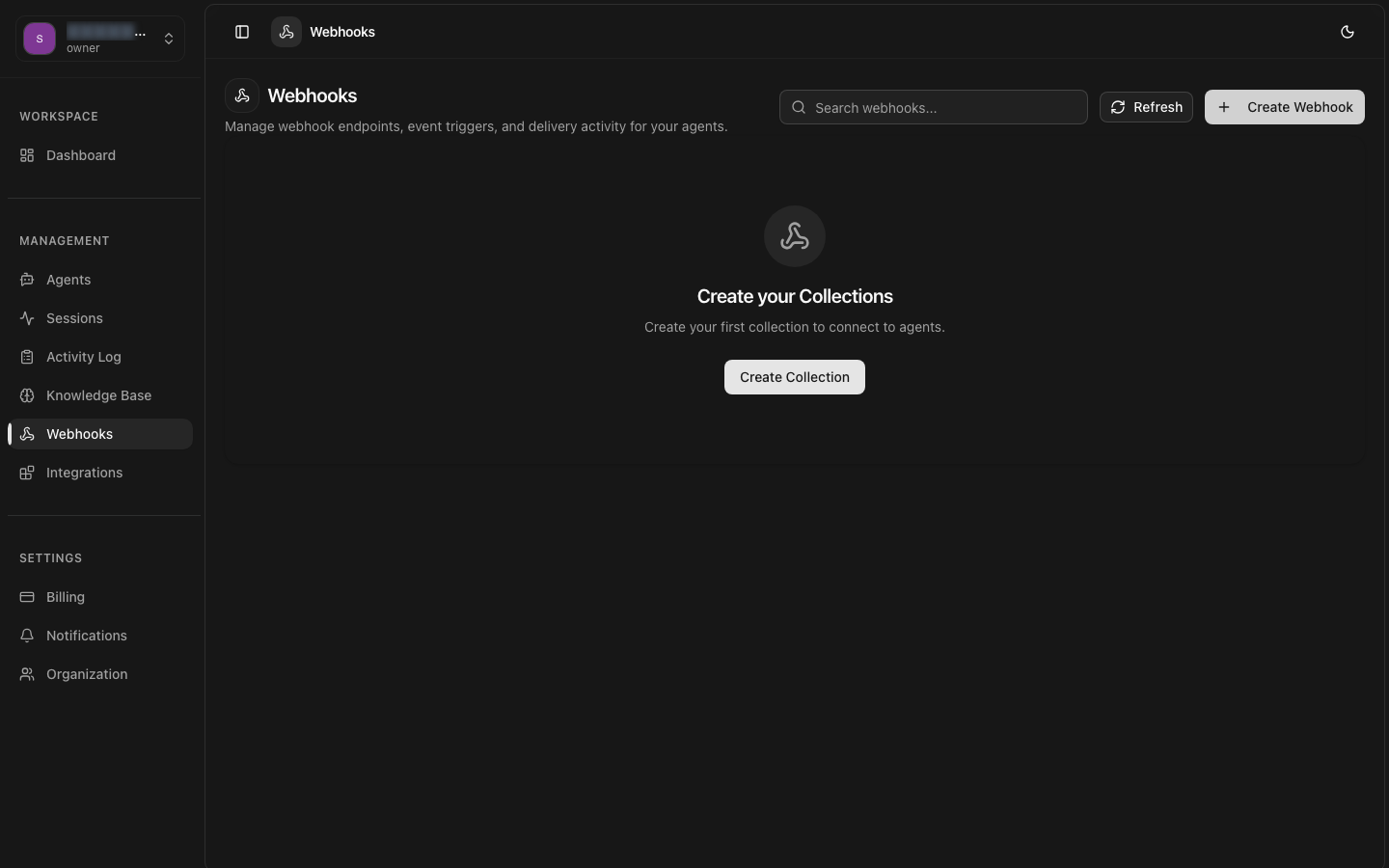
Webhooks enable real-time event-driven communication between the 8bit-ai platform and your application. Receive instant notifications when events occur in your account, such as new conversations, message receipts, or agent deployments.
What are Webhooks?
How Webhooks Work
When a subscribed event occurs, the 8bit-ai platform sends an HTTP POST request to your configured endpoint URL with a JSON payload containing the event data. Each webhook delivery includes metadata about the event type, timestamp, and the associated resource.
Delivery Flow
Event Occurs
An event is triggered in the platform (e.g., message received, agent deployed).
Payload Prepared
The platform constructs a JSON payload with event details, signs it with your secret key, and queues it for delivery.
HTTP POST Sent
An HTTP POST request is sent to your endpoint URL with the signed JSON payload.
Acknowledgment
Your server must respond with a 2xx status code within 5 seconds to confirm receipt. Non-2xx responses trigger the retry mechanism.
Common Use Cases
Webhooks enable a wide range of real-time integrations:
- Real-time analytics — Track conversation volume, user engagement, and agent performance as events happen.
- CRM synchronization — Automatically log conversations and user interactions in your CRM system.
- Custom notifications — Send alerts to internal systems when specific events occur, such as agent failures or high-traffic periods.
- External processing — Route messages to external AI models or processing pipelines before delivering responses.
- Audit logging — Maintain a comprehensive audit trail of all platform events for compliance and monitoring.
Security & Signature Verification
Every webhook payload is signed using HMAC-SHA256 with your unique webhook secret key. This signature is included in the X-8bit-Signature-256 header, allowing you to verify that the request is genuinely from the 8bit-ai platform and has not been tampered with during transit.
Always Verify Signatures
Signature Verification
Signature Headers
| Header | Description |
|---|---|
| X-8bit-Signature-256 | HMAC-SHA256 signature of the raw request body |
| X-8bit-Timestamp | Unix timestamp when the webhook was sent |
| X-8bit-Event-Id | Unique identifier for this webhook delivery |
Retry Mechanism
If your endpoint does not respond with a 2xx status code within 5 seconds, the webhook delivery is considered failed and enters the retry queue.
Retry Schedule
| Attempt | Delay |
|---|---|
| 1 | 10 seconds |
| 2 | 1 minute |
| 3 | 5 minutes |
| 4 | 15 minutes |
| 5 | 1 hour |
| 6 - Final | 6 hours |
After 6 failed delivery attempts (spanning approximately 7 hours), the webhook is permanently failed and logged in the webhook delivery logs. You can manually retry failed webhooks from the dashboard.
Idempotency
id field. Use this field to ensure idempotent processing — store processed event IDs and skip any duplicates. This protects against processing the same event multiple times if retries occur.Best Practices
Respond Quickly
Respond with a 200 status immediately after receiving the webhook, then process the event asynchronously. This prevents timeouts and reduces retry pressure.
Verify Signatures
Always verify the HMAC signature before processing. Use constant-time comparison to prevent timing attacks.
Log Deliveries
Log all webhook deliveries including event IDs, timestamps, and processing results for debugging and audit purposes.
Use HTTPS
Always use HTTPS endpoints in production. The platform will refuse to deliver webhooks to non-HTTPS URLs.
Handle Duplicates
Implement idempotent event processing using the event ID to safely handle duplicate deliveries from retries.