
Invitations
Invitations allow you to add new members to your organization. When you invite someone, they receive an email with a secure link to accept the invitation and join your team with a predefined role.
Invitation Permissions
Sending Invitations
Invite new members to your organization by providing their email address and selecting a role. The invitation email will contain a secure link that expires after 7 days.
Via Dashboard
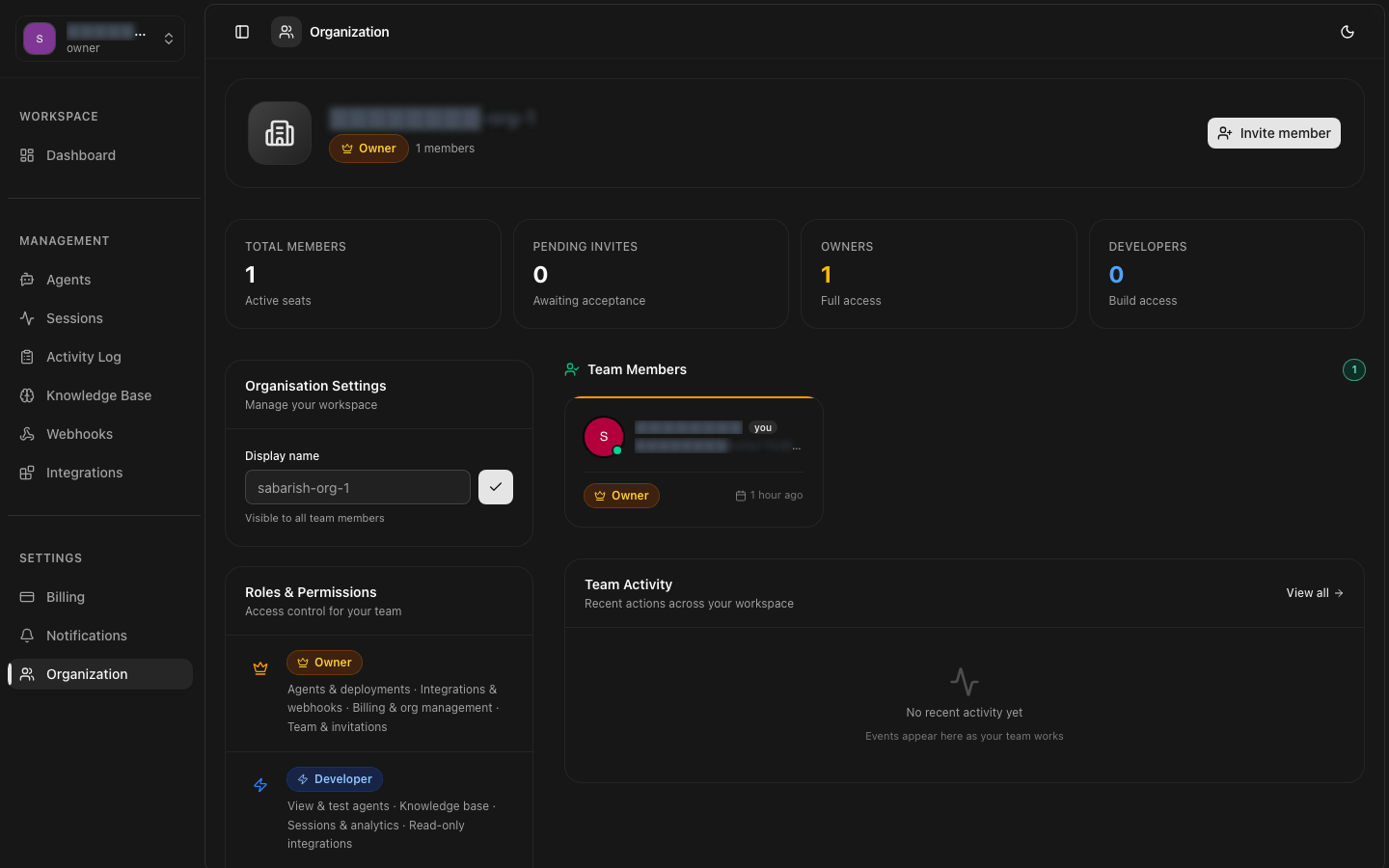
- Navigate to Settings > Team in the dashboard.
- Click the Invite Member button.
- Enter the email address of the person you want to invite.
- Select the role to assign (see Roles & Permissions for details).
- Optionally add a personal message to the invitation email.
- Click Send Invitation.
Via API
Invitation Limits
Accepting Invitations
When a user receives an invitation email, they can click the secure link to accept. The flow depends on whether the user already has an 8bit-ai account.
Existing Users
If the user already has an 8bit-ai account with the invited email, clicking the invitation link will immediately add the organization to their account. They can switch between organizations from the account menu.
New Users
If the user does not have an account, they will be prompted to create one using the invited email address. After account creation, the organization will be automatically added to their account.
Automatic Redemption
Invitation Expiration
Invitations expire after 7 days by default. Expired invitations can be resent to generate a new link with a fresh expiration period.
Expiration Configuration
| Setting | Default | Range |
|---|---|---|
| expires_in_days | 7 | 1 to 30 days |
When an invitation expires, the status changes to expiredin the dashboard. The pending invitation count is immediately decreased, freeing up capacity for new invitations.
Managing Invitations
View, resend, and revoke pending invitations from the dashboard or API.
Listing Invitations
Resending Invitations
Resend an invitation to generate a new link and reset the expiration timer. This is useful if the recipient did not receive the original email or if the invitation expired.
Revoking Invitations
Revoke a pending invitation if it was sent in error or if the user should no longer have access. Revoked invitations cannot be recovered.
Revocation is Permanent