
AI Agents
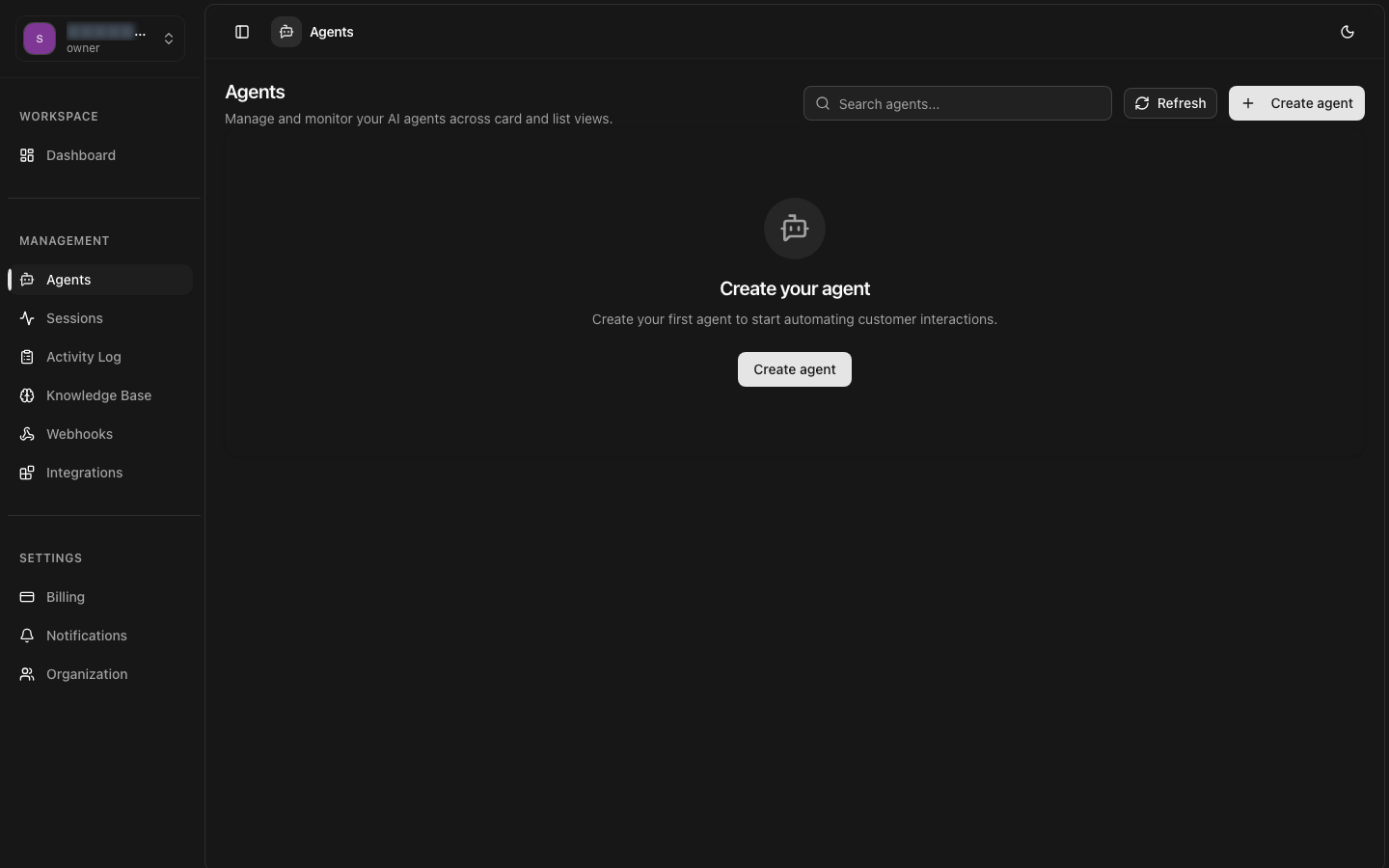
Agents are the core building blocks of the 8bit-ai platform. Each agent is an autonomous AI entity that can understand, process, and respond to user conversations across multiple channels.
LLM Powered
Choose from GPT-4, Claude, or other models for intelligent conversations
Voice Capable
Add natural voice conversations with text-to-speech and speech-to-text
Multi-Channel
Deploy to web, Telegram, WhatsApp, and phone with a single configuration
Fully Configurable
Customize personality, behavior, and responses to match your brand
Real-time
Sub-1 second response times with enterprise-grade infrastructure
Context-Aware
Connect knowledge bases for RAG-powered contextual responses
What is an Agent?
An agent in 8bit-ai is a configurable AI entity that handles conversations with users. Each agent consists of:
Core Identity
Name, description, and system prompt that defines the agent's personality, role, and behavior.
LLM Configuration
Choice of language model (GPT-4, Claude, etc.), temperature, max tokens, and other inference parameters.
Voice Pipeline (Optional)
Text-to-speech and speech-to-text configurations for voice-enabled conversations.
Knowledge Bases (Optional)
Connected document collections that provide context for more informed responses.
Channel Integrations
Connections to web widgets, Telegram, WhatsApp, phone systems, and other platforms.
Agent Lifecycle
Understanding the agent lifecycle helps you effectively manage and optimize your AI agents.
Create
Define your agent's basic information (name, description) and choose an LLM model. This creates the agent in a draft state.
Configure
Set up system prompts, LLM parameters, voice settings, and connect knowledge bases. Test the configuration in the playground before deploying.
Deploy
Activate the agent to make it available for conversations. Deploy to one or more channels (web widget, Telegram, WhatsApp, phone).
Monitor
Track conversations, analyze performance metrics, and review session logs. Use insights to refine agent configuration.
Iterate
Update prompts, adjust parameters, add knowledge, and redeploy. Continuous improvement based on real-world usage.
LLM Configuration
Choose the right language model for your use case and configure its behavior.
| Model | Best For | Context | Speed |
|---|---|---|---|
| GPT-4 | Complex reasoning, long context | 128K tokens | Medium |
| Claude Sonnet | Balanced performance | 200K tokens | Fast |
| GPT-3.5 Turbo | Simple tasks, cost-effective | 16K tokens | Very Fast |
Key Parameters
Temperature (0-2)
Controls randomness. Lower values (0.2-0.5) for factual, consistent responses. Higher values (0.8-1.2) for creative, varied outputs.
Max Tokens
Maximum length of generated response. Balance between completeness and cost.
Top P (0-1)
Nucleus sampling threshold. Lower values make output more focused and deterministic.
System Prompts
System prompts define your agent's personality, role, and behavioral guidelines.
Best Practices