
Authentication
Learn how to authenticate users with the 8bit-ai API using secure, token-based authentication. This guide covers signup, login, email verification, password management, and session handling.
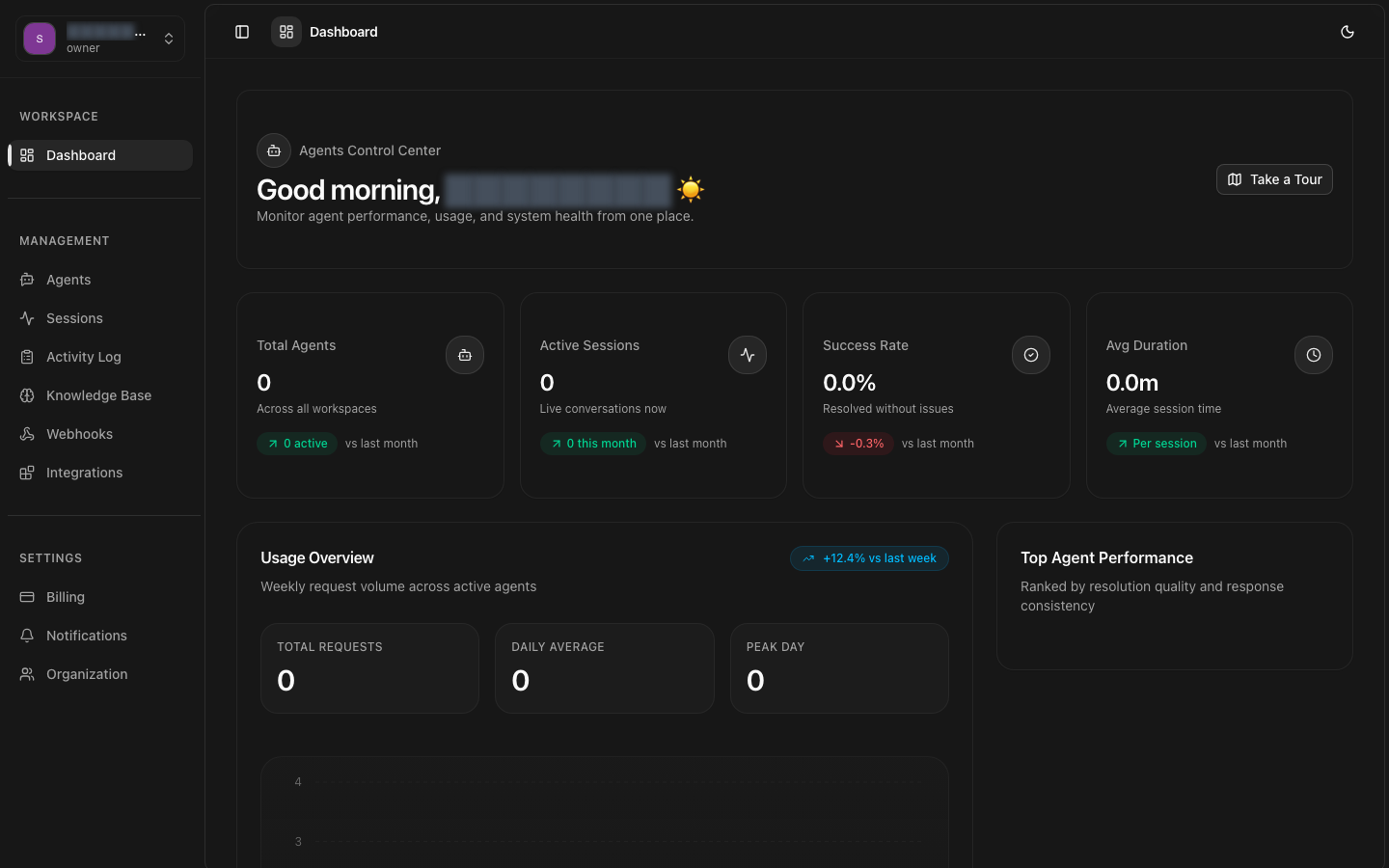
Authentication Flow
Authentication Overview
The authentication system provides secure user access to the 8bit-ai platform. It includes:
- Token-based authentication using JWT with access and refresh tokens
- Email verification for new account security
- Password reset flow with secure email-based recovery
- Session management with automatic token refresh
- Secure password hashing using industry-standard bcrypt
User Signup
Create a new user account with email and password. Upon successful registration, a verification email is sent to confirm the user's email address.
Endpoint
Request Body
Response
Code Example
Password Requirements
User Login
Authenticate a user and receive access and refresh tokens. The access token is used for API requests, while the refresh token is used to obtain new access tokens.
Endpoint
Request Body
Response
Code Example
Email Verification Required
Email Verification
Verify a user's email address using the verification token sent via email during signup.
Verify Email Endpoint
Request Body
Response
Resend Verification Email
If the verification email was not received or has expired, request a new one.
Code Example
Verification Token Expiry
Password Reset
Allow users to securely reset their password through an email-based recovery flow.
Step 1: Request Password Reset
Initiate the password reset process by sending a reset email to the user.
Step 2: Reset Password
Use the token from the reset email to set a new password.
Code Example
Security Note
Token Refresh
Access tokens expire after 15 minutes. Use the refresh token to obtain a new access token without requiring the user to log in again.
Endpoint
Request Body
Response
Code Example
Token Lifecycle
Session Management
Manage user sessions with logout functionality and session validation.
Logout
Invalidate the current refresh token and end the user session.
Get Current User
Retrieve information about the currently authenticated user.
Code Example
Multiple Device Sessions
Authentication Headers
All authenticated API requests must include the access token in the Authorization header.
Example Authenticated Request
Error Responses
Authentication endpoints return standard error responses with appropriate HTTP status codes.
400 Bad Request
Invalid request body or missing required fields.
401 Unauthorized
Invalid credentials or expired/invalid token.
403 Forbidden
Email not verified or account suspended.
409 Conflict
Email already registered.
429 Too Many Requests
Rate limit exceeded.
Security Best Practices
Store Tokens Securely
Use httpOnly cookies or secure storage mechanisms. Avoid storing tokens in localStorage for production applications as they are vulnerable to XSS attacks.
Implement Token Rotation
Always use the new refresh token returned from the refresh endpoint. The old refresh token is invalidated after each refresh.
Handle Token Expiration
Implement automatic token refresh logic to handle expired access tokens gracefully without disrupting the user experience.
Use HTTPS Only
Always use HTTPS for all API requests to prevent token interception. The API will reject non-HTTPS requests in production.
Validate Email Domains
For enterprise accounts, consider implementing email domain validation to ensure only authorized email addresses can create accounts.
Need Help?
If you have questions about authentication or need assistance implementing it in your application, check out our additional resources.